

Templates
By the end of this page you will know every template TrazoForms includes and which one fits your situation, so you can start from something close to what you need instead of a blank form.
Templates appear the first time you open a brand-new, empty form. Each thumbnail is a small live version of the real form — not a drawing — so what you see is genuinely what you get.
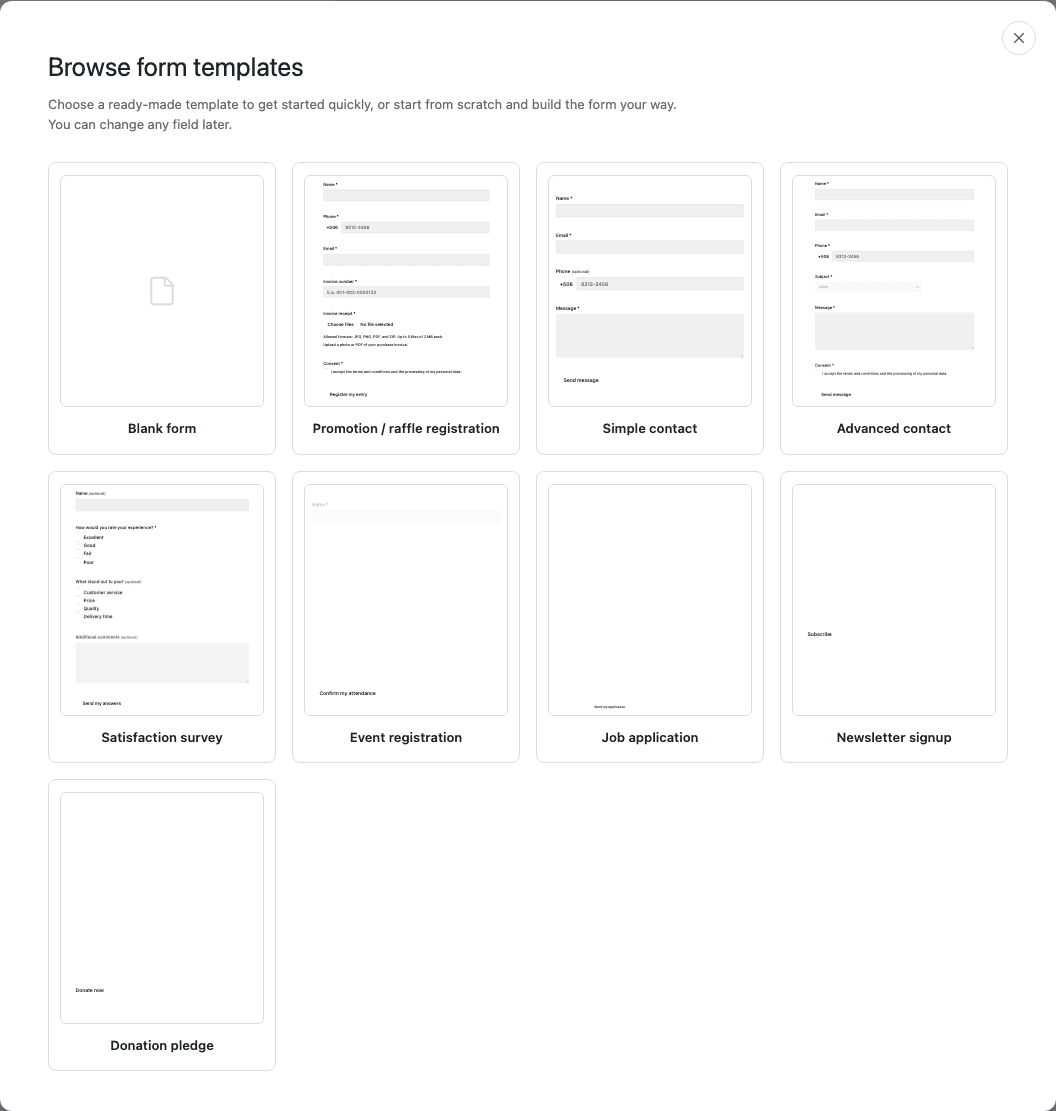
| Template | Fields it includes | When it fits |
|---|---|---|
| Blank form | None. | You know exactly what you want to ask, or none of the others are close enough to be worth adjusting. |
| Promotion / raffle registration | Name, phone, email, invoice number, invoice receipt (file upload) and consent. | Collecting entries for a raffle or promotion tied to a purchase receipt. |
| Simple contact | Name, email, phone (optional) and message. | A general “get in touch” form with the fewest possible fields. |
| Advanced contact | Name, email, phone, subject (dropdown), message and consent. | A contact form that needs to route by topic, such as sales vs. support. |
| Satisfaction survey | Name (optional), a rating, what stood out (checkboxes) and additional comments. | Gathering feedback after a purchase or an event. |
| Event registration | Name, email, phone, number of guests and consent. | Registering attendees for an event, with a headcount. |
| Job application | Full name (in parts, since applications get filed and sorted by last name), email, phone, position of interest, résumé (file upload), cover letter and consent. | Collecting job applications with an attached résumé. |
| Newsletter signup | Email and consent. | The smallest possible opt-in, for a mailing list. |
| Donation pledge | Name, email, donation amount (multiple choice) and consent. TrazoForms does not process payments: this template only records the pledge. | Recording a stated donation amount, without taking the payment itself. |
Every template also sets a submit button text that fits its purpose, such as Register my entry or Confirm my attendance, instead of a generic “Submit”.
Next step
Section titled “Next step”Continue to Publish a form to put your form on a page.